Explaining Data Centre HVAC Equipment with a Scale Model and Animation
Industrial equipment is often difficult to explain at an exhibition because the product and its application cannot both be brought to the booth at full size. Visitors can inspect a model of the equipment, but they may still need to picture the facility around it and understand what happens when the system operates.
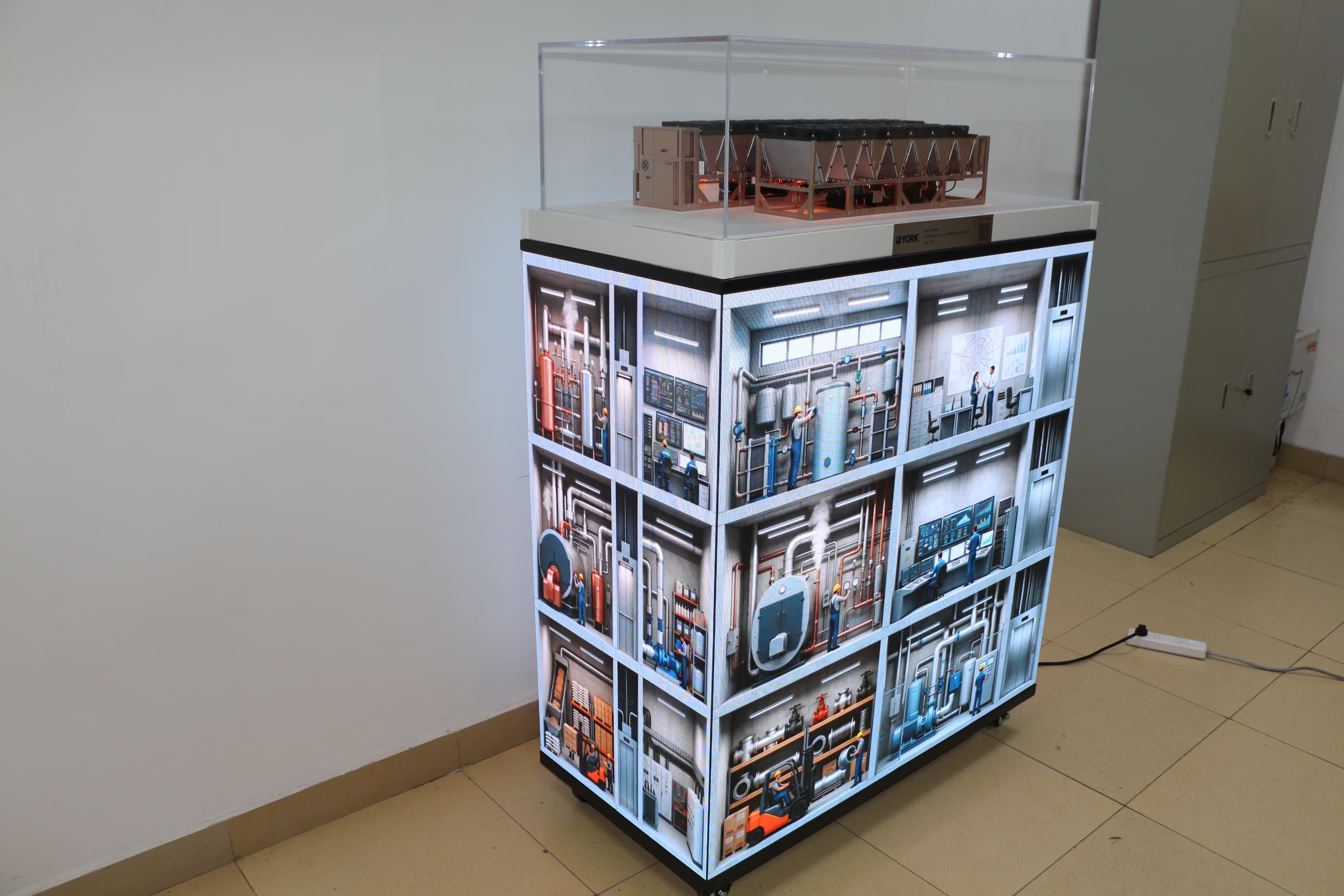
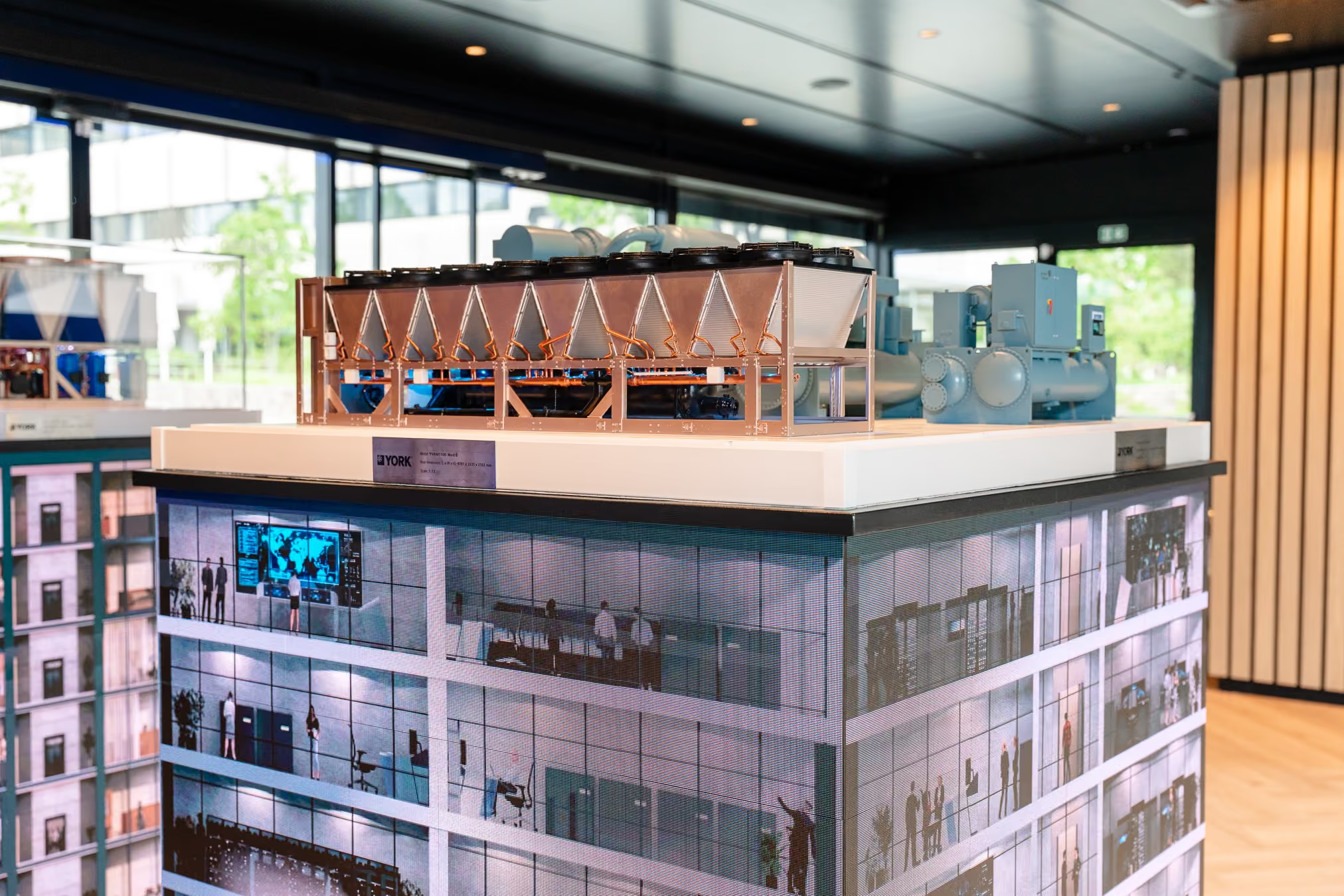
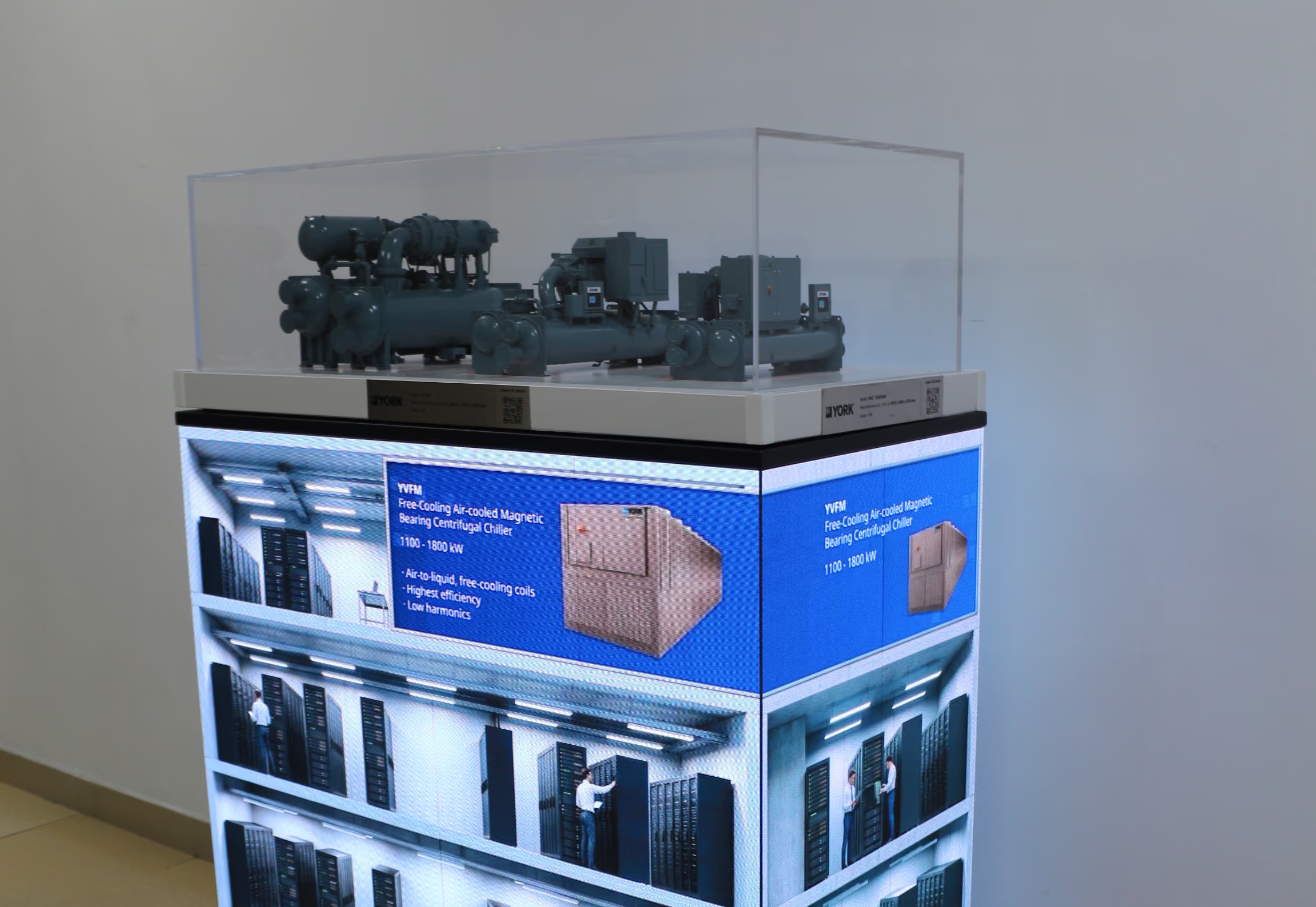
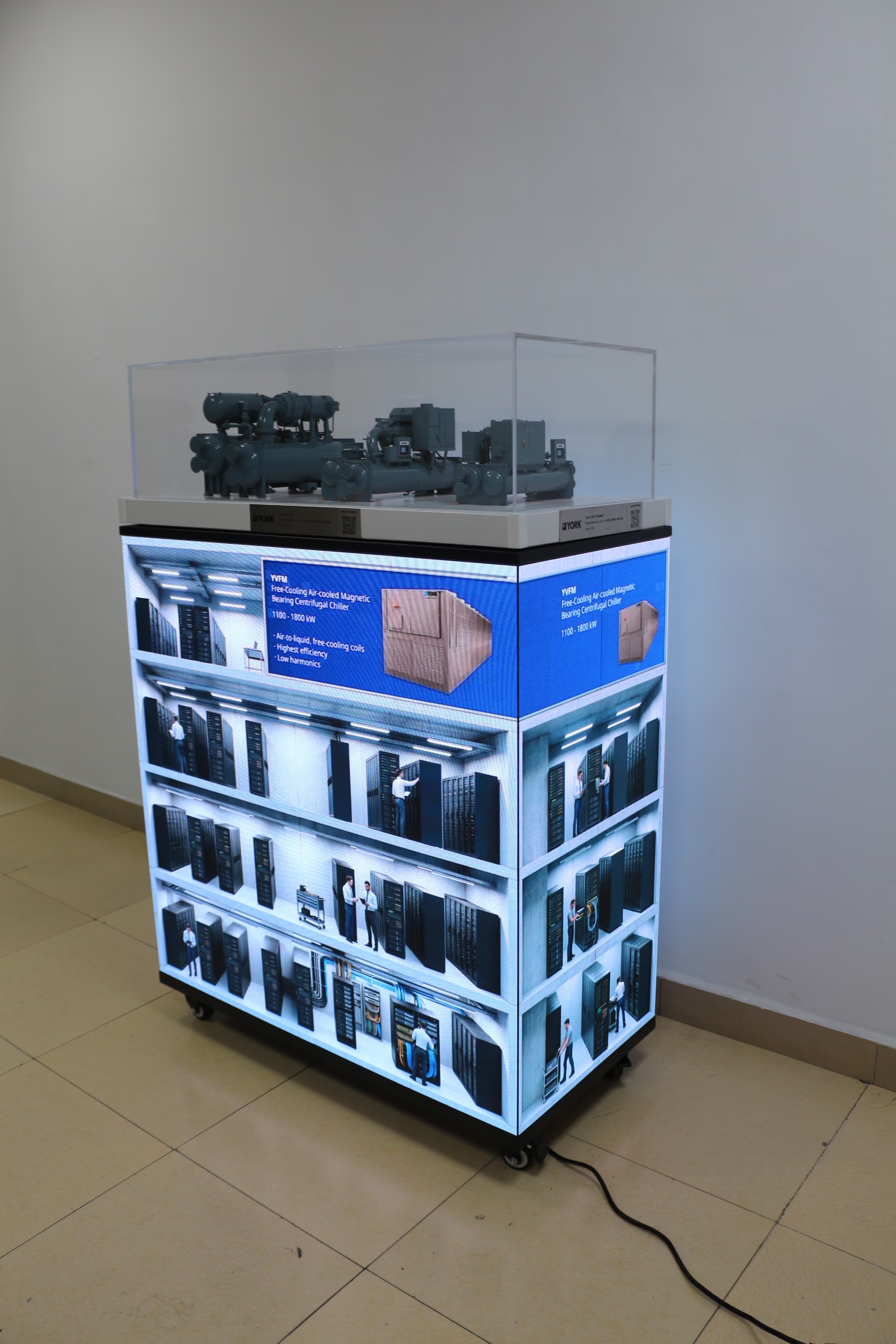
The exhibit pictured here combines a scale model of a YORK YK-HT HVAC product with a four-sided LED base. The model sits in a clear case. The visible screens show a cutaway data centre environment with server racks, people and a monitoring area.
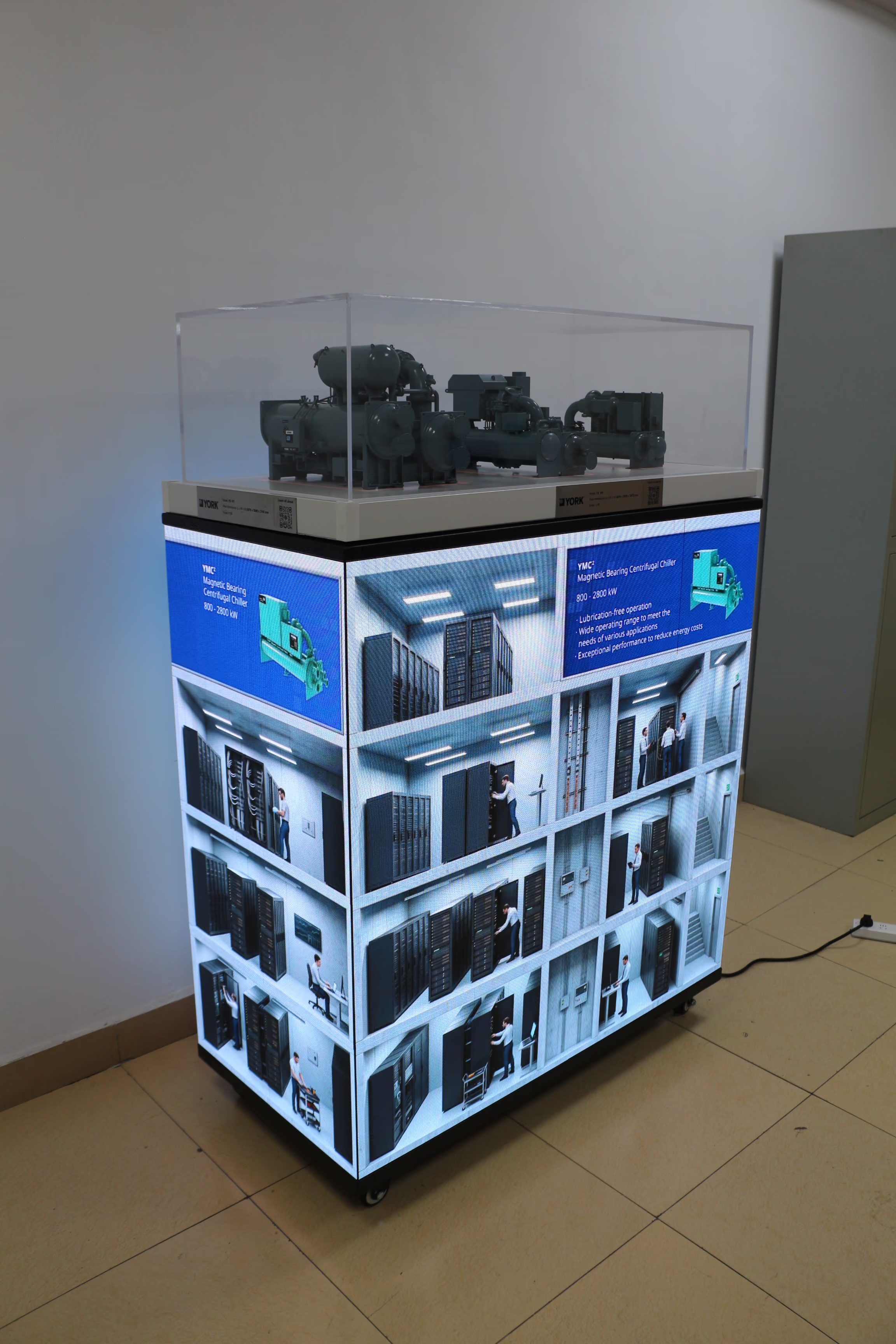
The photograph shows the product and its application setting together. Screen content for this type of exhibit can also be customised to include an animation of the product’s operating process, based on the information approved for that product. This gives the display three possible layers of explanation: the physical equipment, the place where it is used and the process that connects the two.
The physical model makes the product concrete
A visitor who knows HVAC equipment may first approach the model. They can examine its overall form and the arrangement of visible parts. The sales team can point to the equipment itself while answering questions, instead of relying entirely on a picture or a verbal description.
The model also remains useful when the conversation moves to the screen. If an animation refers to a part of the product, the salesperson can point back to the corresponding visible area on the model. This helps keep the process explanation attached to a specific piece of equipment.
A scale model has limits. It is not an operating unit, and it may not represent every internal detail or available configuration. Precise engineering questions still require product drawings, specifications or a technical colleague.
The application scene gives visitors a place to start
Someone familiar with data centres but less familiar with HVAC equipment may notice the server rooms first. The cutaway scene tells them what kind of application is being discussed. The model above then provides a product to ask about.
This is a different route into the same conversation. The salesperson can begin with the facility, point out the equipment being presented and explain why its role is relevant to the setting.
A static application scene establishes context, but it does not necessarily explain a process. That is where carefully planned animation can add value.
Animation can show the process a static model cannot
The content may be developed to show a simplified operating sequence: which part of the application is being discussed, how the product interacts with related equipment, or how a flow progresses through the system. The exact sequence depends on the product information and the purpose of the exhibit.
For technical visitors, this provides a shared visual reference. Instead of asking everyone to imagine a process from a verbal description, the sales team can pause at a step and discuss it alongside the physical model.
For visitors without an HVAC background, the same animation can reduce the amount of specialist language needed at the beginning. They can see the relationship between equipment and application before moving into detailed questions.
Accuracy is essential. Flow directions, component relationships and any operating claims should be checked against approved technical material. An illustrative animation can explain how a system is intended to operate; it should not be presented as a simulation of measured performance unless it is supported by the relevant data.
Build a clear sequence for the exhibit
A practical presentation can follow the questions visitors naturally ask:
- Where is this used? Show the data centre application.
- Which product are we discussing? Direct attention to the physical model.
- What happens when it operates? Use a concise, technically reviewed animation to explain the relevant process.
- What would this mean for a specific project? Continue with product documentation and a discussion with the technical team.
The presentation does not need to force every visitor through all four steps. A specialist may begin at the model and ask to see the operating sequence. Another visitor may recognise the data centre first and only then look at the equipment.
The advantage of combining a physical model with customised screen content is that both paths are available in one place. The model shows the product that is actually being discussed. The screens can show its setting and, where useful, the processes a stationary model cannot make visible.