How to Show Industrial Equipment and Its Application in One Exhibit
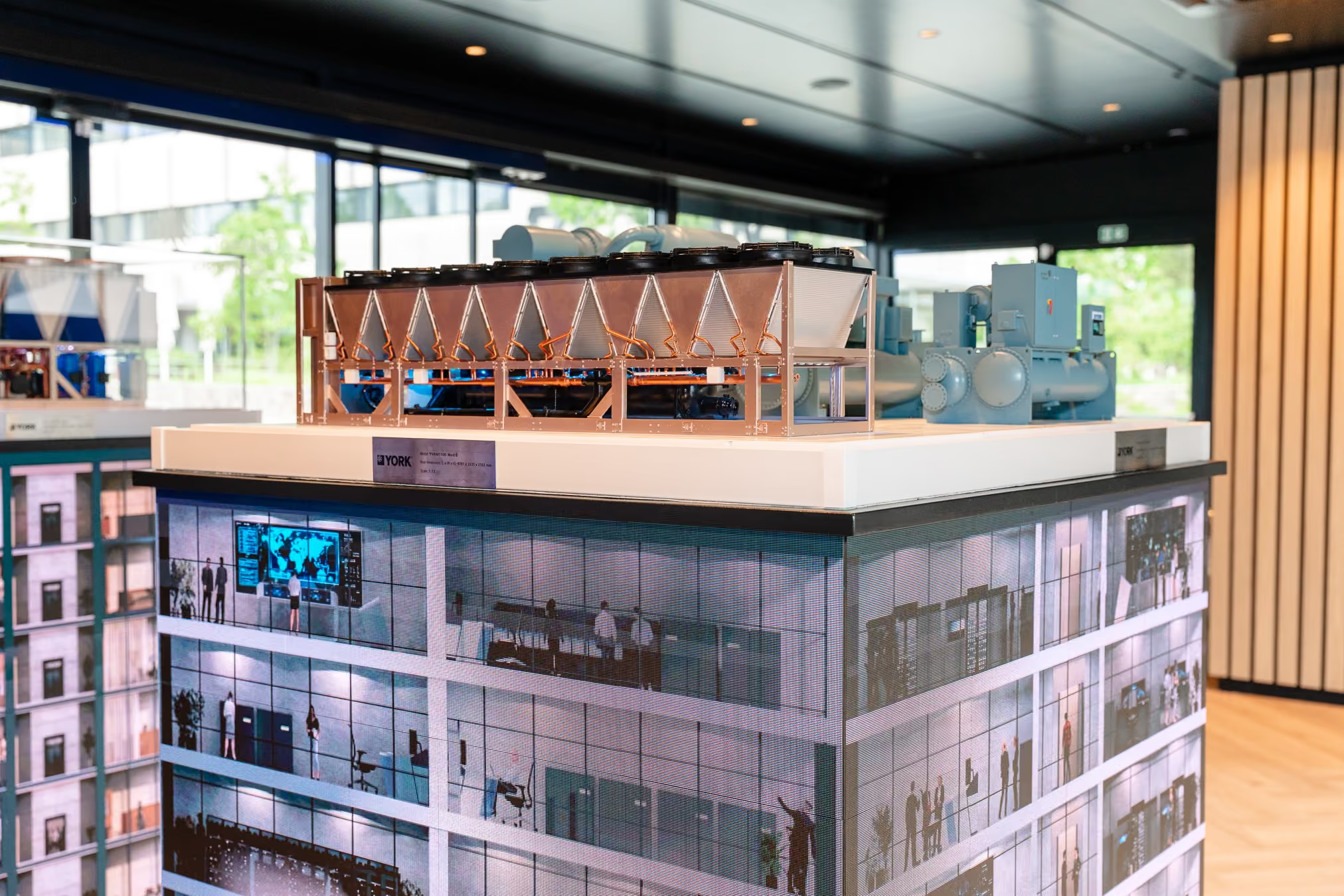
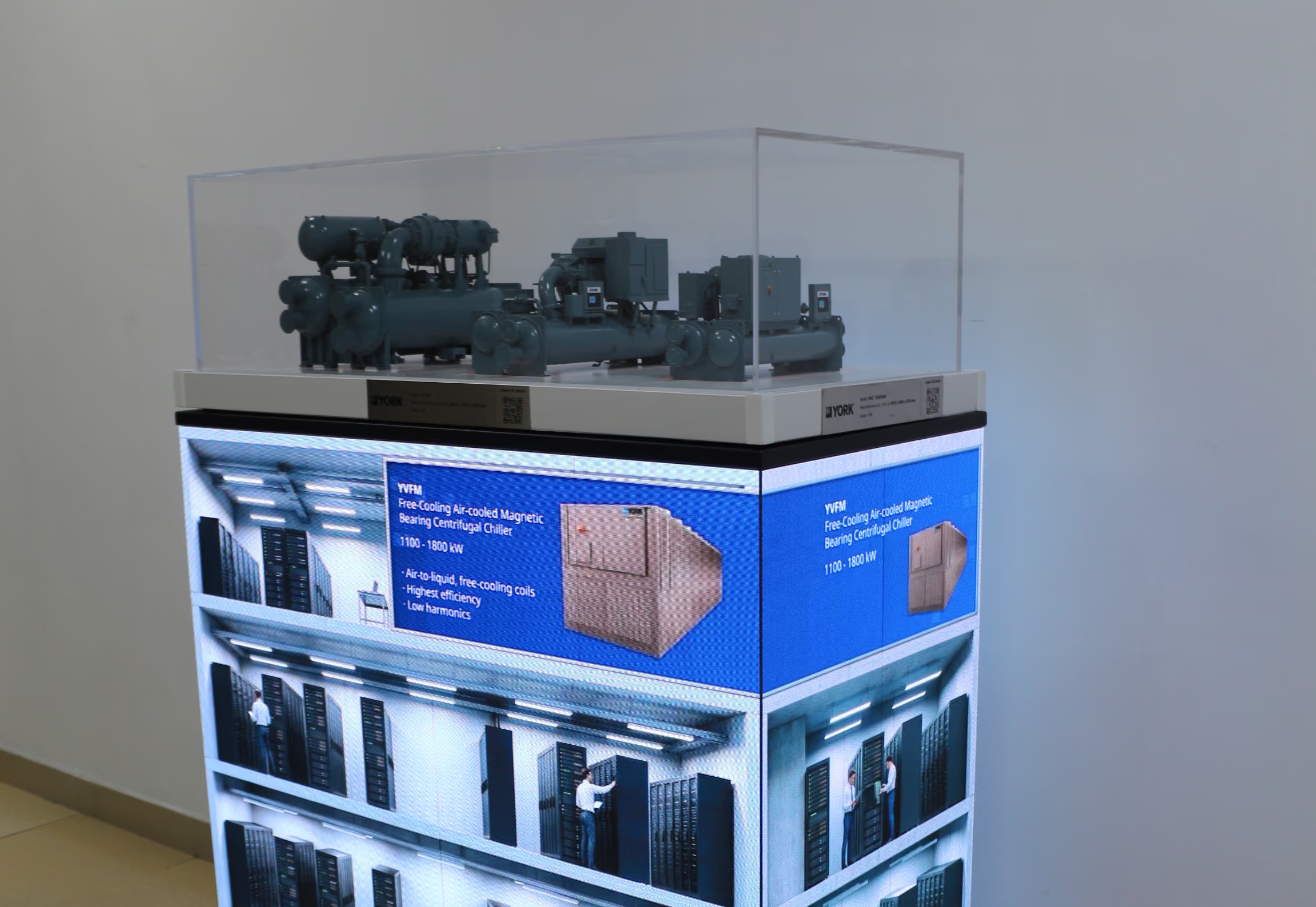
A physical scale model can make industrial equipment much easier to present at a trade show. Visitors can see its overall form, walk around it and ask about the details that interest them.
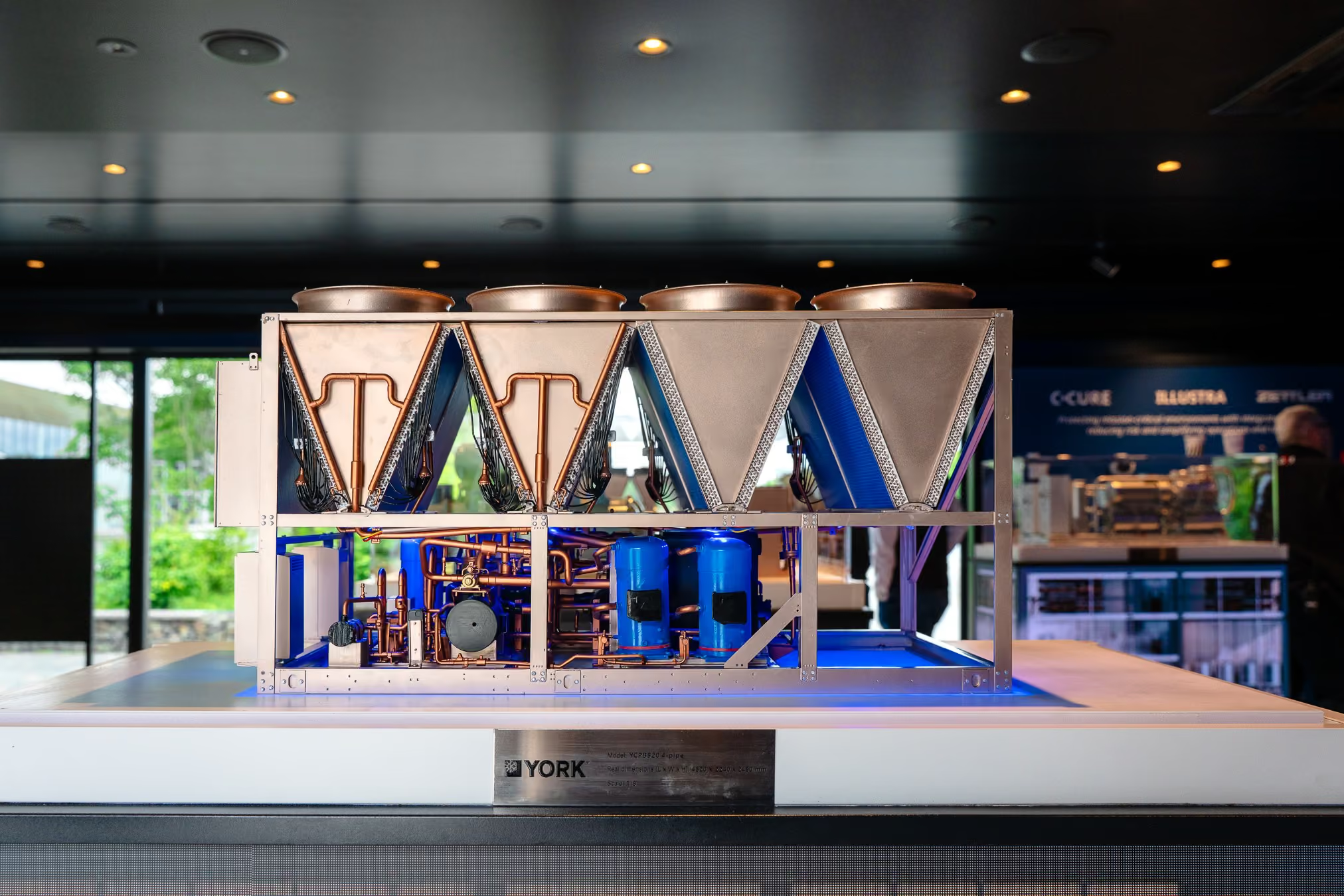
But an equipment model has a natural boundary: it shows the product, while much of the reason for buying that product lies outside it. A visitor may understand what a unit looks like and still struggle to picture where it belongs in a hospital, hotel, office building or data centre.
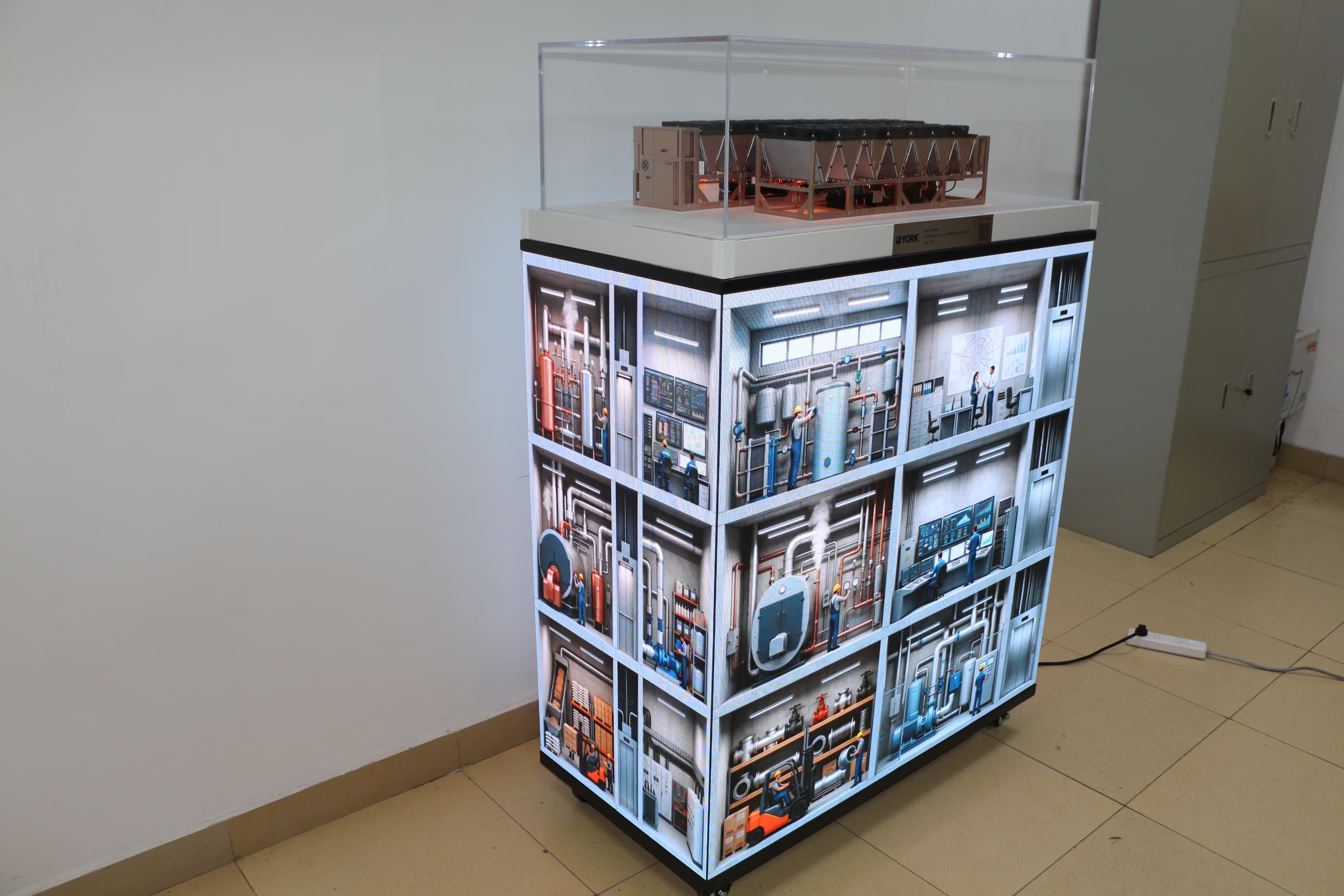
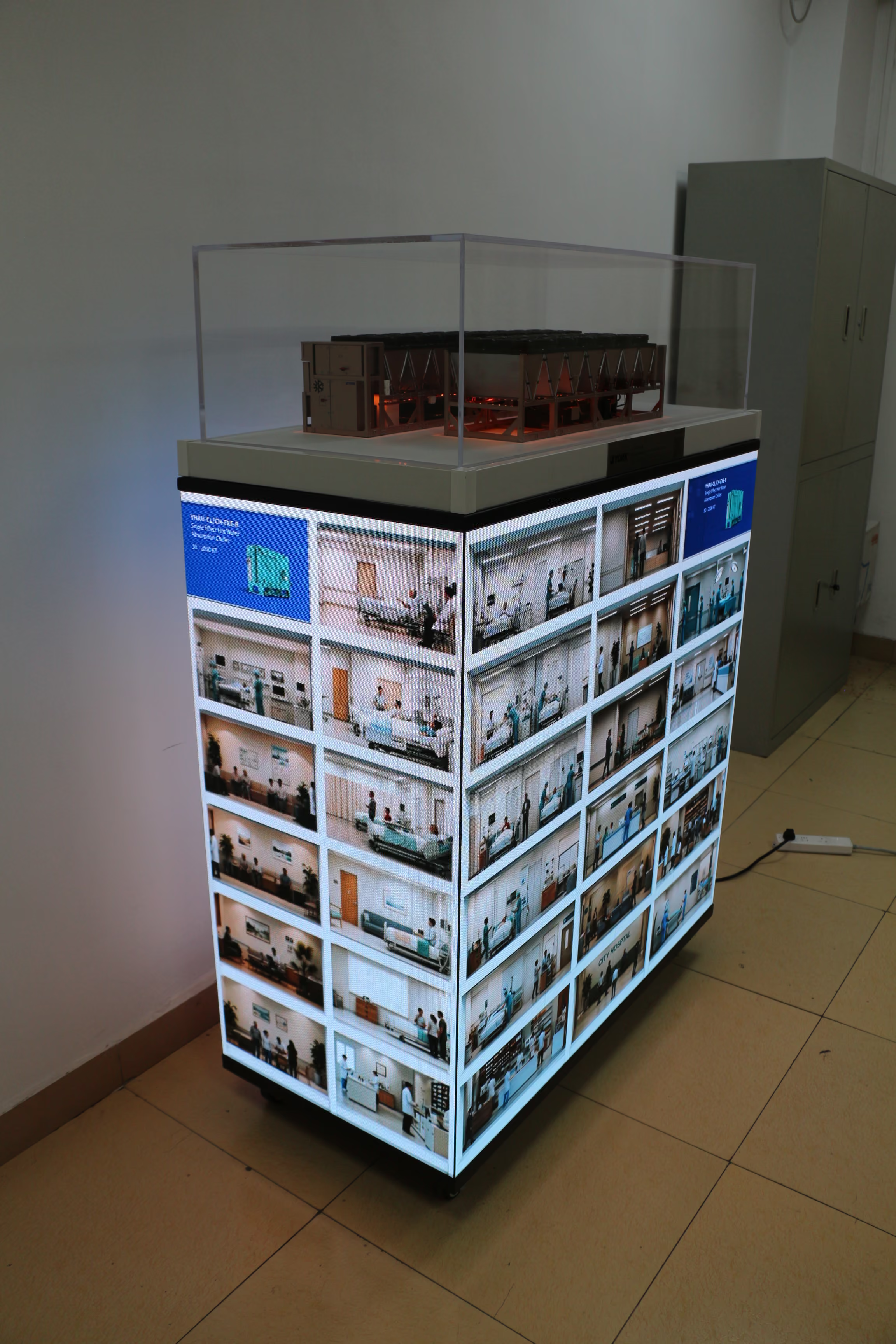
An exhibit that combines a physical model with an LED display can bring these two parts of the explanation into the same space.
Begin with the question a visitor is likely to ask
When planning an industrial exhibit, it helps to separate two questions:
- What is the equipment?
- Where and how is it used?
The model is well suited to the first question. It gives the product a physical presence and lets the sales team point to visible features during a discussion.
Screen content can help answer the second. It can show an application setting or a broader system that would be difficult to represent within the model’s footprint. Visitors can then look from the equipment to its context without moving to another part of the booth.
In projects using a model above a four-sided LED display base, this relationship is the central idea. The model remains the object visitors can examine. The screens provide a place to show the settings in which that kind of equipment is discussed.
Make the connection visible
Showing a model and an application image at the same time does not automatically explain their relationship. A visitor who does not already know the product may see two interesting elements but be unsure how they fit together.
The content therefore needs a clear point of connection. Depending on the project, this might be the equipment’s location within a building, the system it connects to, or the part of an application the sales team wants to discuss. The exact explanation should come from the product and the visual material available for that project.
It is also worth asking what a visitor can understand without a salesperson standing beside the exhibit. The display does not need to give a complete technical presentation on its own. It should give people enough context to ask a useful first question.
This is especially important at a busy exhibition. A visitor may see only one face of the display while walking past. The message on that side should still relate clearly to the model above it.
Support more than one kind of conversation
Industrial products are often presented to people with different levels of technical knowledge. One visitor may be interested in the equipment’s physical details. Another may care first about the building or application setting.
Putting the model and the screen content together gives the sales team a way to move between those interests. They can start at the model and widen the discussion to the application. Or they can begin with a scene on the screen and show which equipment is involved.
The aim is not to give every visitor the same fixed presentation. It is to make the relevant parts of the explanation available in one place.
Plan the content around the exhibit
Screen content is often produced by a different team from the physical model or display base. That makes coordination part of the design work.
Before content production is complete, the teams need to understand how the model will sit above the screens and where visitors will stand. Text and important visual details must remain readable from those positions. The sequence of images or animation also needs to make sense alongside the physical equipment.
For example, a detailed application scene may work well when viewed full-screen on a computer. On an exhibition display, visitors may see it from an angle, at a distance, and only for a few seconds. The content should be reviewed in the context of the assembled exhibit, not only as a separate video.
Give each element a clear job
A useful test is to describe the job of the model and the screen in one sentence each. If the model shows the equipment and the screen shows its application, the next question is whether a visitor can understand the link between them.
That link is what turns two display components into one explanation. It allows the sales team to move naturally from a product detail to a customer setting, while giving visitors a clearer picture of the equipment they came to see.