Planning Four-Sided LED Content Around an Industrial Scale Model
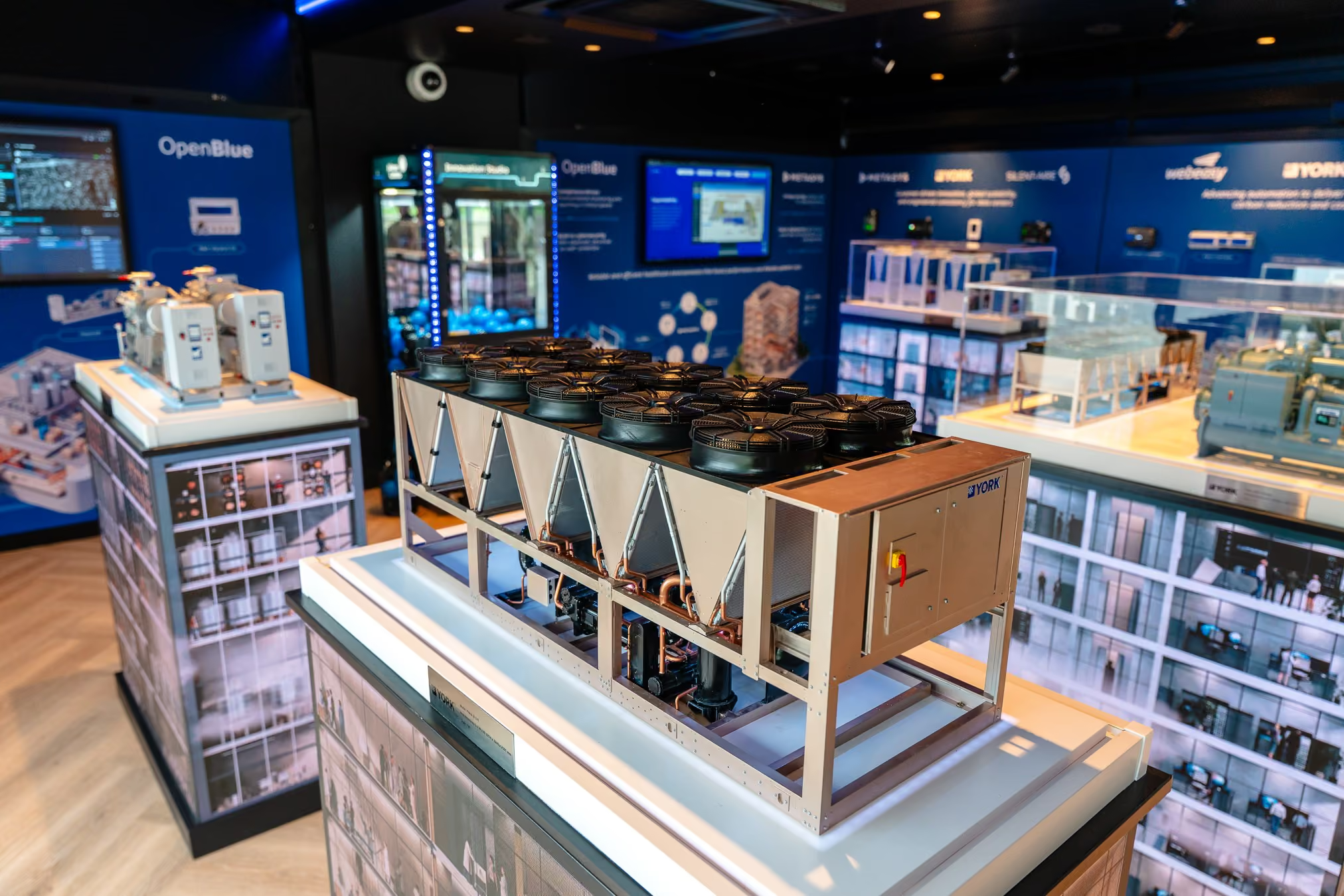
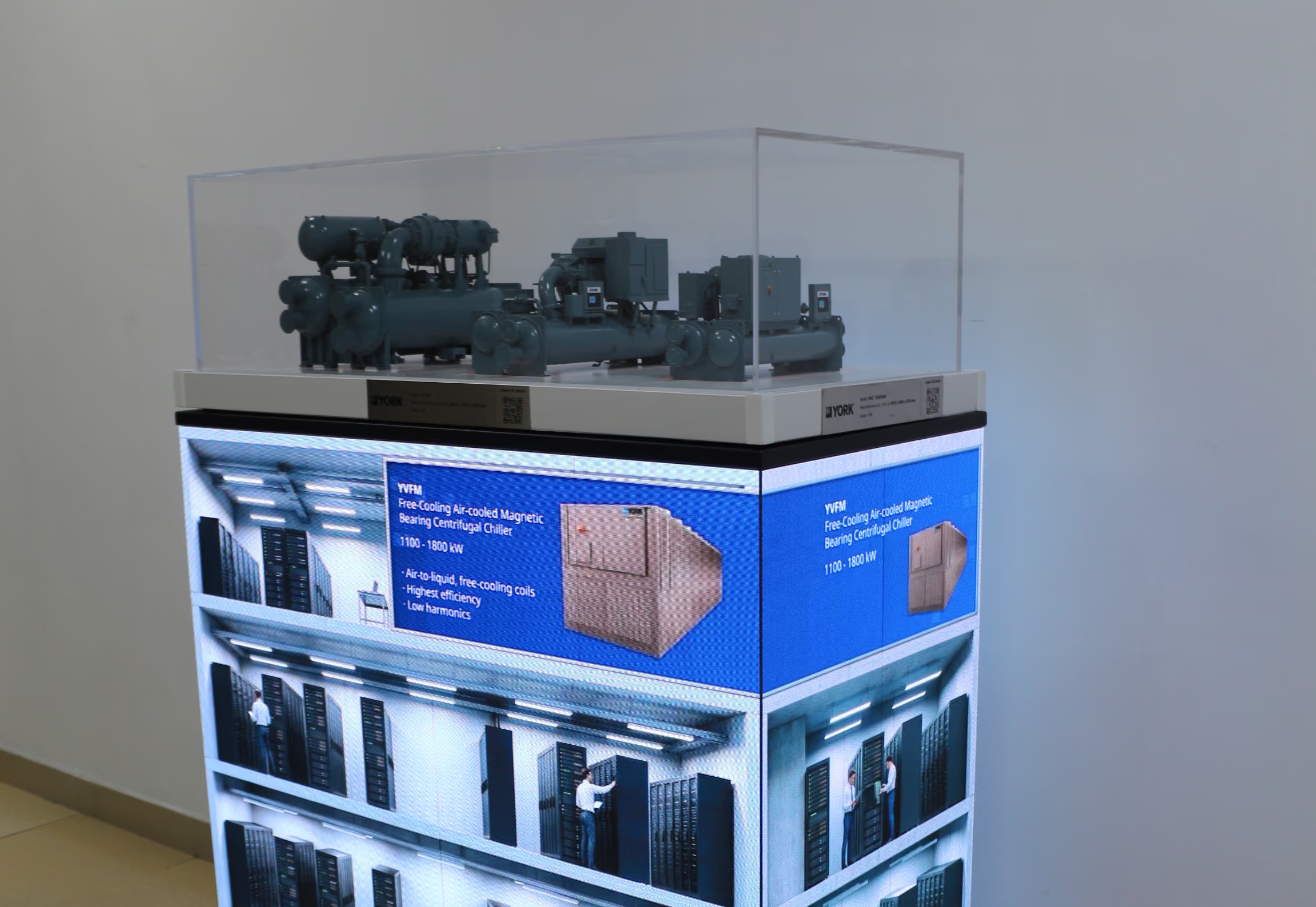
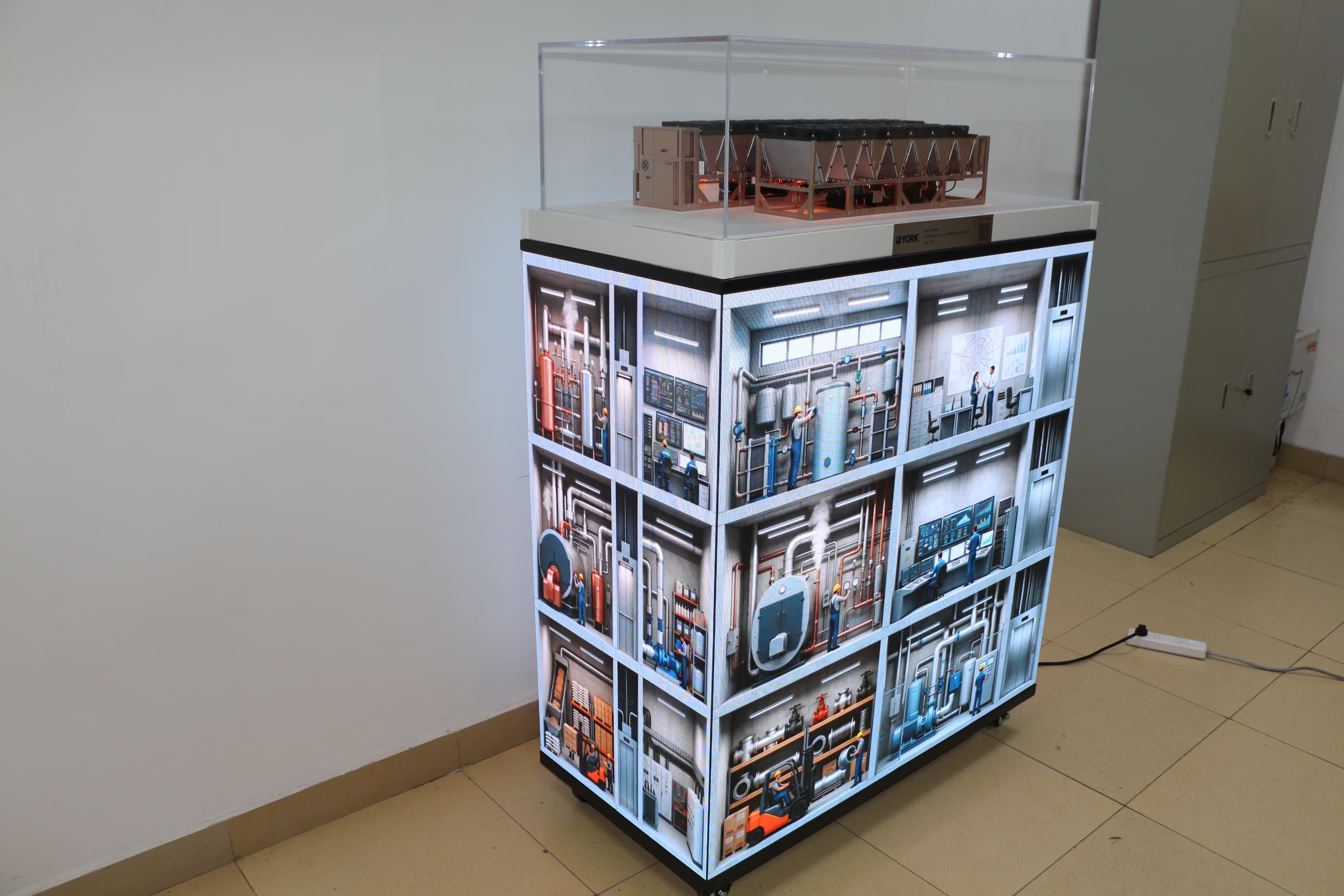
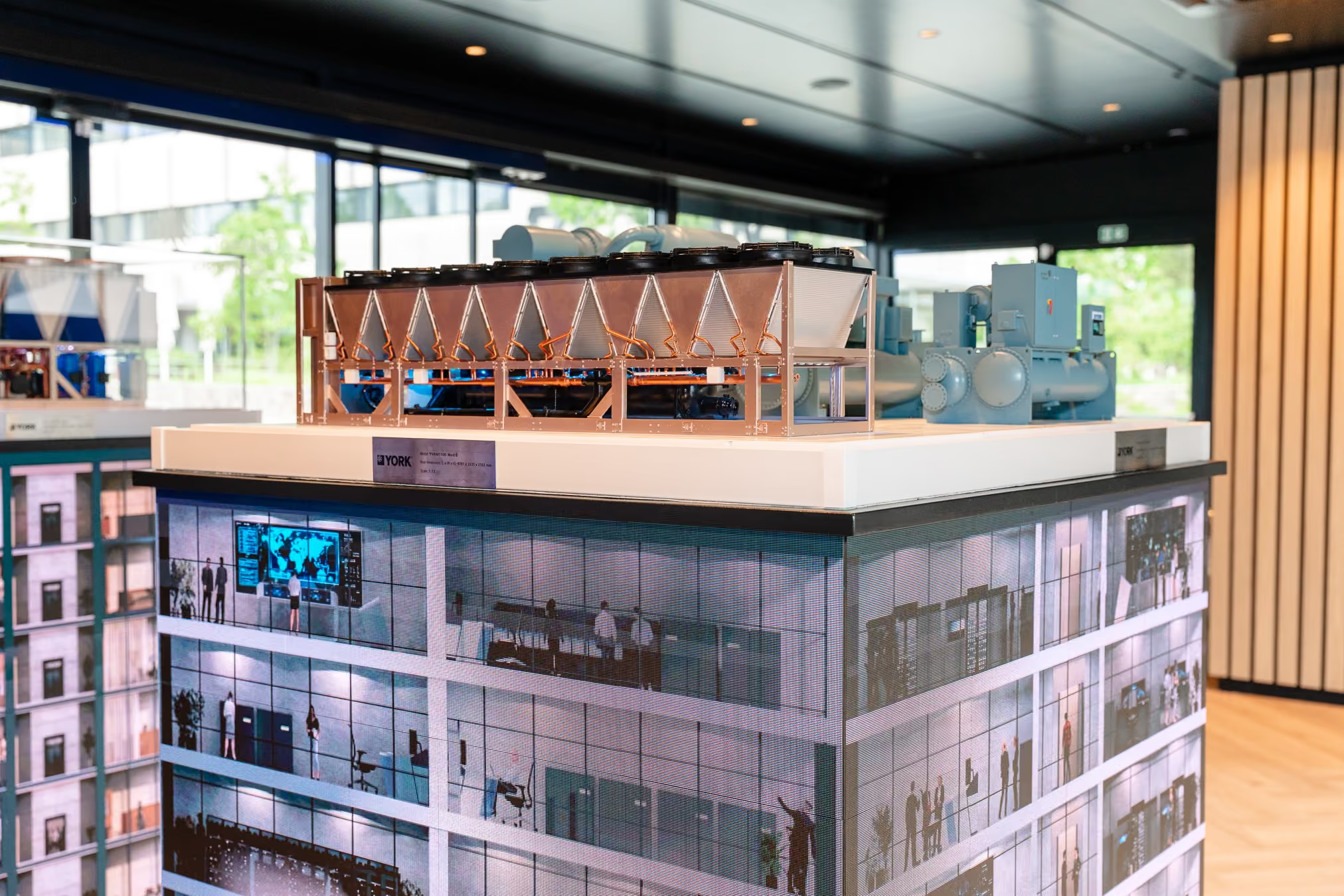
A four-sided LED display offers plenty of space for visual content. When a physical product model sits on top, however, filling the screens should not be the first task. The content needs to help visitors understand the model they have come to see.
A useful planning question is: What can visitors learn by looking at the physical equipment, and what do they still need to see around it?

The model can show the equipment’s form and visible details. Screen content can extend that view into an application setting or a wider system. The strongest presentation makes it easy to move between the two.
Start with what the model shows
Before deciding on screen scenes, walk around the model. What can a visitor see from the front, back and sides? Which parts are immediately recognisable? Which features are likely to prompt questions?
These observations help determine what the screens should add. If the model already shows a component clearly, repeating its appearance on every screen may add little. Showing where that component fits into an application may be more useful.
The content should also stay accurate to the physical product. When an application scene appears below a specific equipment model, visitors will reasonably assume that the two belong together. Any system relationship shown on the screen needs to reflect the product and configuration being presented.
Give each viewing position a useful connection
Visitors can approach a four-sided exhibit from several directions. They may see one face of the LED base at the same time as one side of the model. Content planning should consider those views together.
One side of the display might help explain a feature visible from that position. Another could show a broader application view that puts the same equipment in context. The four sides do not need four unrelated messages, nor do they need to repeat identical text. Each should give the visitor a way to connect the screen to the model above it.
This is particularly useful during a sales conversation. A representative can point to a part of the physical model, then use the adjacent screen to show the setting or system related to it. The model supports inspection; the screen supports explanation.
Decide whether the screens show one space or several topics
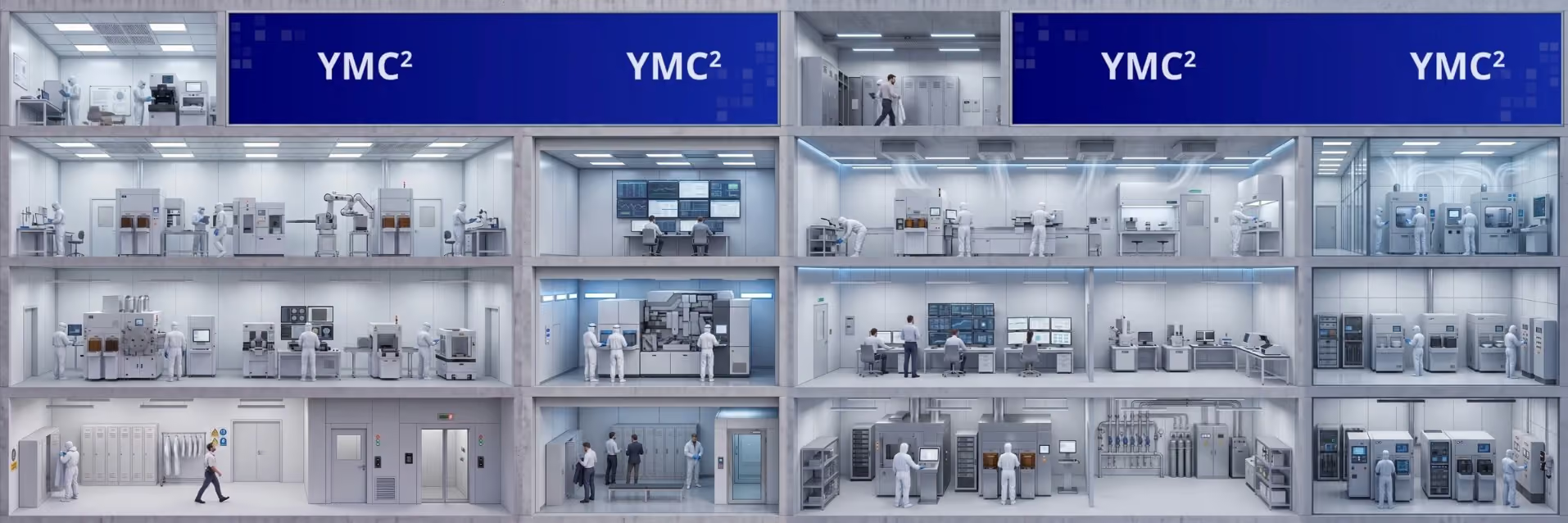
If all four screens depict one continuous facility, their perspectives need to agree. As a visitor walks around a corner, a room that was visible on one face should remain in a logical position on the next. Mirroring an image or replacing an adjacent room with an unrelated space can make the environment difficult to follow.
If each face covers a separate application or question, the distinction should be clear. More importantly, every topic should still connect to the equipment model. Otherwise, the base becomes a collection of videos with a product placed on top, rather than one coherent exhibit.
There is no single layout that suits every project. The choice depends on what the model can show, what the visitor needs explained and how the sales team plans to use the display.
Review the assembled exhibit from the visitor’s position
A screen animation can look convincing on a computer while failing to work beneath a physical model. The model might obscure an important part of the scene. A highlighted detail might be too small to see from a normal viewing distance. A visual link that is obvious to the production team might not be obvious to a first-time visitor.
Reviewing the assembled exhibit helps reveal these problems. At each likely approach point, look first at the model and then at the screen visible below it. Ask:
- What part of the product can the visitor see from here?
- What does the screen add to that view?
- Is the application shown accurate for this equipment?
- If the visitor moves around a corner, does the explanation still make sense?
- Can the sales team use the model and screen together while speaking to someone?
The purpose of this review is to check the whole explanation, not only the video quality.
Keep the equipment at the centre
A physical model gives visitors a reason to stop and look closely. A four-sided display can show the context that the model cannot contain. Planning the content around the model helps the two do their jobs together.
The result should be understandable in a simple sequence: visitors see the equipment, recognise an application on the screen, and understand why the two belong in the same conversation.