Exhibiting Large Industrial Equipment with a Scale Model and LED Display
Exhibiting Large Industrial Equipment with a Scale Model and LED Display
Bringing full-size industrial equipment to a trade show is not always practical. Dimensions, weight, venue conditions and the space available for visitors can all affect what a company is able to display.

The real task is to preserve a clear product presentation within those limits. Visitors still need to recognise the equipment, understand its application and have a useful starting point for a conversation with the sales team.
A physical scale model and an LED display can divide that work between them. The model makes the product available to inspect. The screen presents the setting and, when needed, an operating process that cannot be built into a stationary model.
Put a specific product in front of visitors
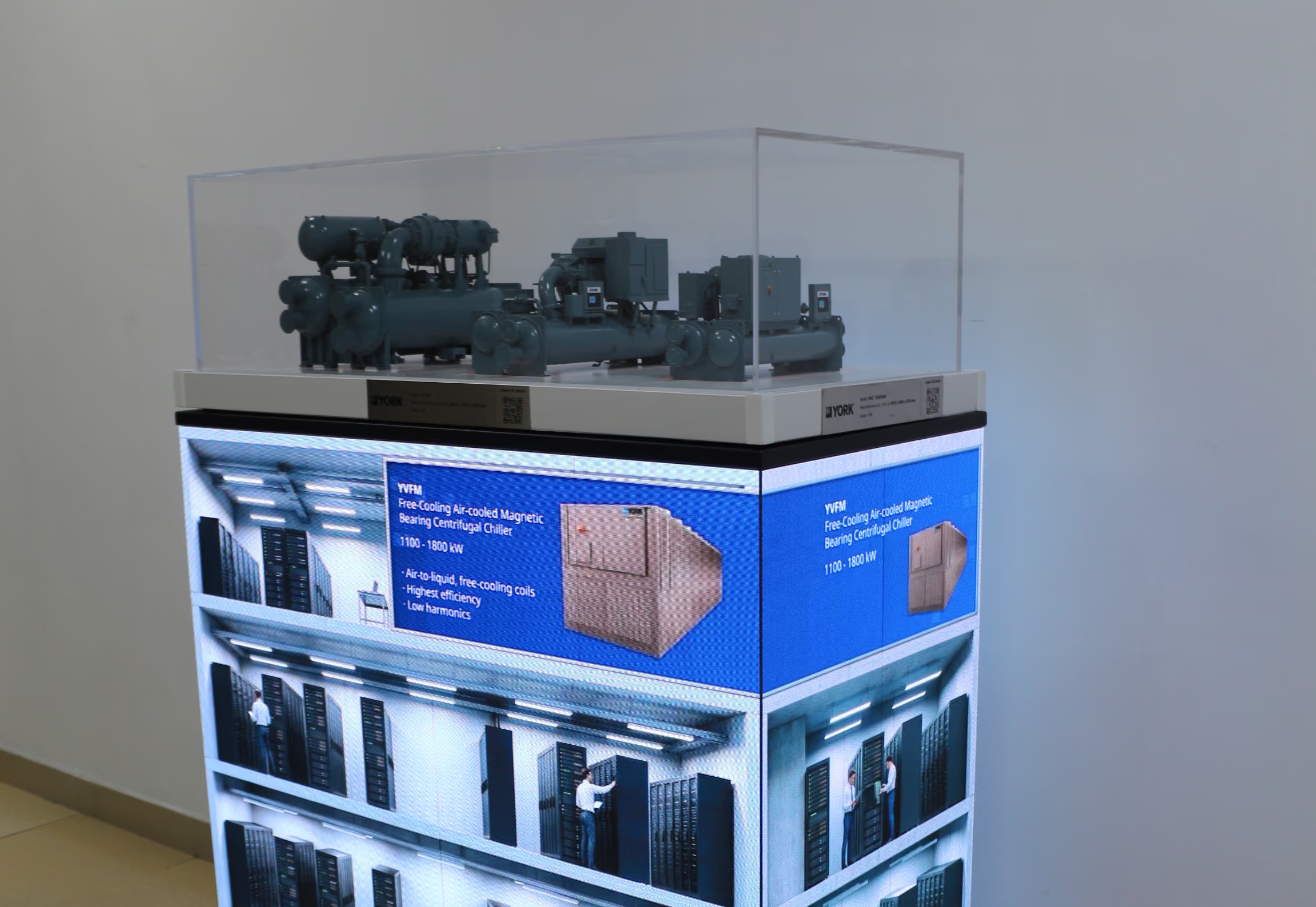
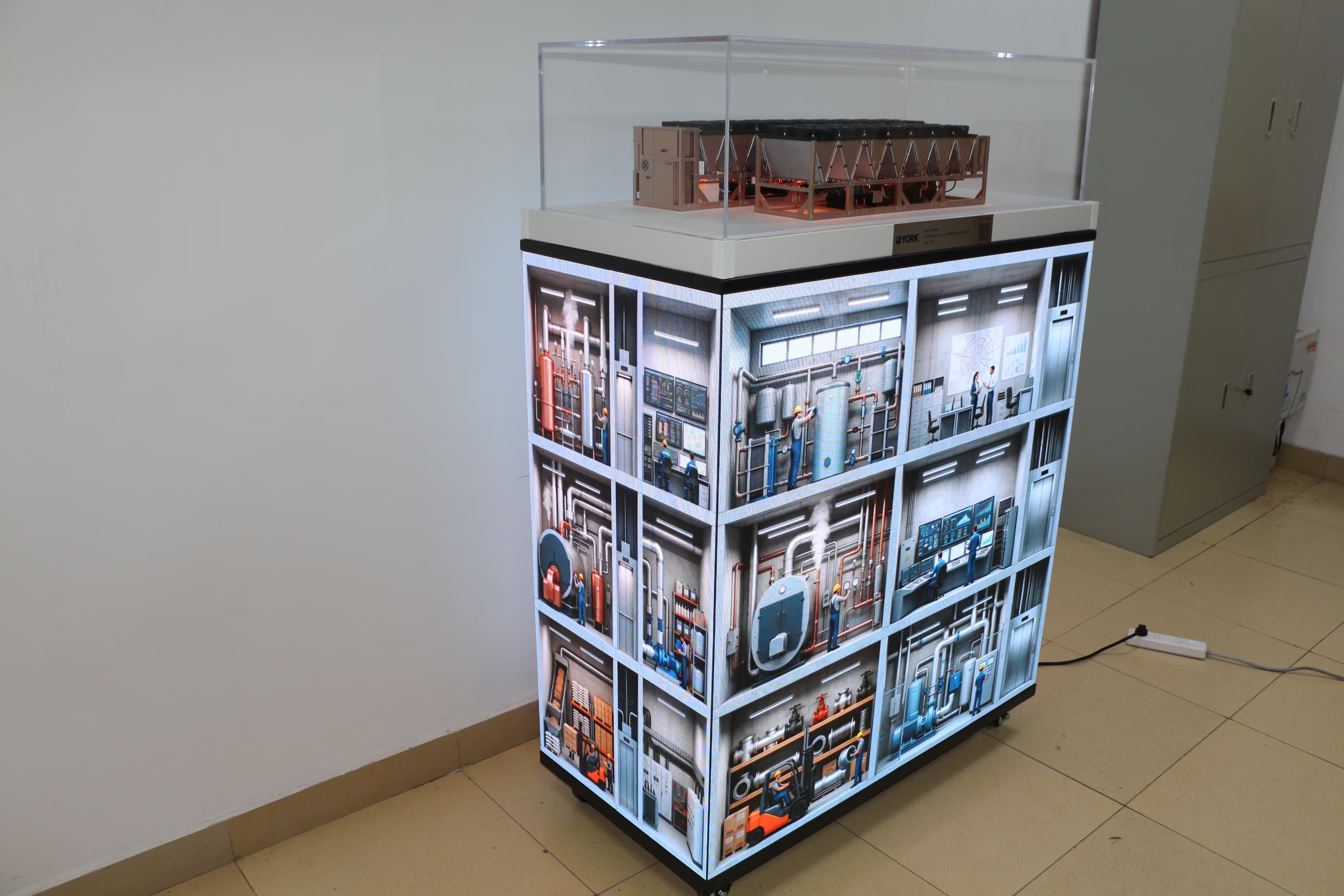
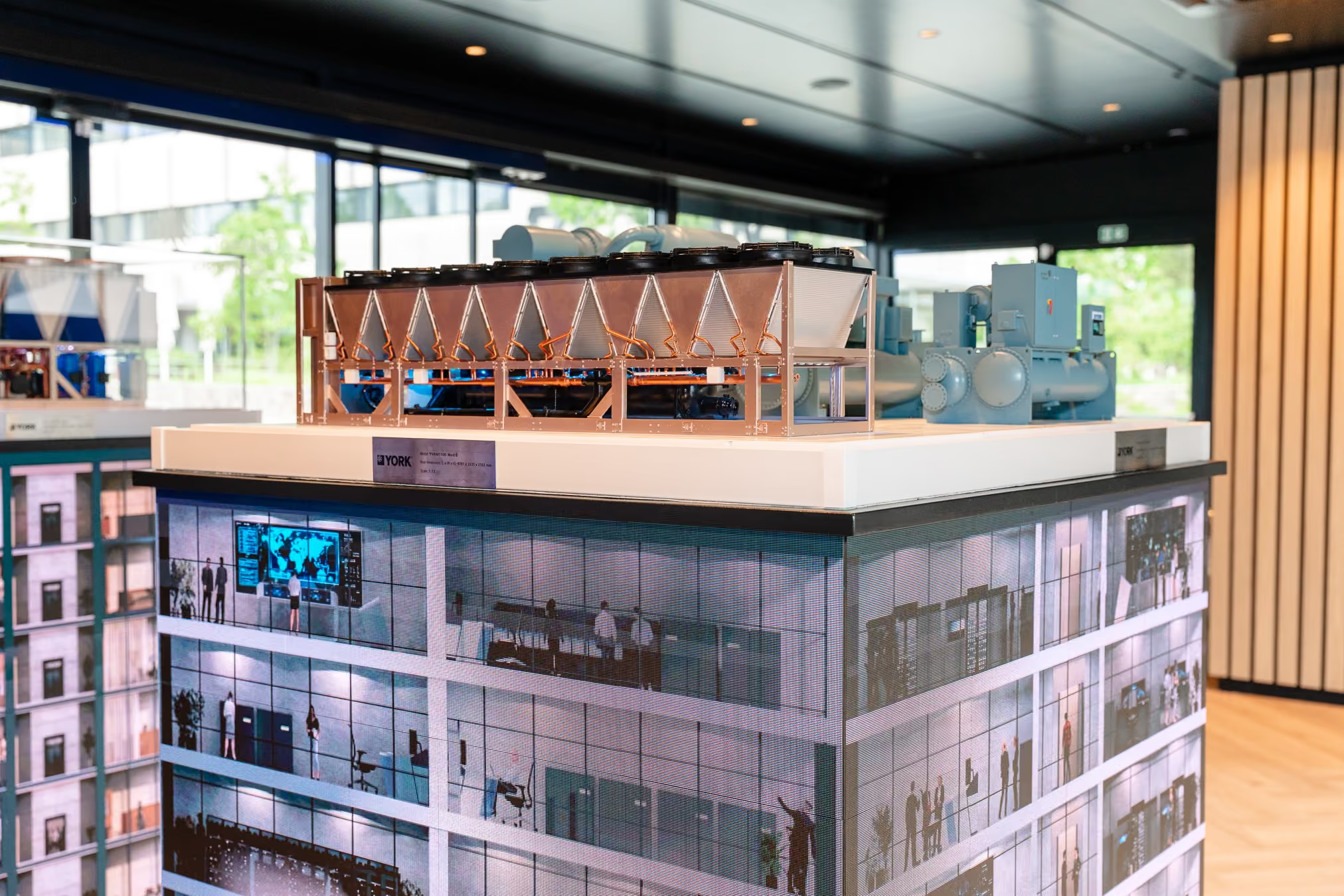
In the YORK data center exhibit pictured here, a YK-HT product model sits in a clear case above a four-sided LED base. Visitors can approach the model and look at its overall form and visible components. The screens below show a data center scene with server racks and monitoring spaces.
This arrangement gives the exhibit a specific subject. The model is the equipment being discussed; the screen content relates that equipment to an application.
Deciding what to represent physically is an important product decision. The model should preserve the features visitors need in order to recognise and discuss the equipment. That may include its form, the relative arrangement of major parts or a detail customers frequently ask about. The product team can help identify which features matter most and confirm that they are represented accurately.

Use the screen to complete the application story
The data center scene helps a visitor understand the kind of facility being discussed. It also gives the sales team a natural way to move from a product question to an application question.
Screen content can be developed further for a particular product and event. A custom animation may introduce the facility, draw attention to the equipment represented by the model and illustrate a relevant operating sequence. This lets the team explain a process that the physical model, by itself, cannot show in motion.
The product marketing team has an important role here. It can decide which customer question each part of the content should answer. A scene might establish where the product is used. The next sequence might show a relationship between the equipment and another part of the application. The explanation should follow confirmed product information and stay focused on what the intended audience needs to understand.
Make the two parts work within the booth
The arrangement must also work for people who have only a short time to look. From a normal approach point, visitors should be able to identify the product model and understand why the screen content belongs beneath it.
This matters for a four-sided base. People may approach from several directions and see only one side before deciding whether to stop. Each visible side should offer a clear way into the product story. Once they come closer, the model provides detail for a longer conversation.
The marketing team can review the assembled exhibit with that visitor journey in mind: what catches the eye from the aisle, what becomes clearer up close and how a sales representative will use the model and screen together. The goal is a coherent presentation in the available space, rather than two separate attractions competing for attention.
Give the sales team a flexible conversation path
A practical explanation can move through three points:
- The product: Point to the relevant form or feature on the physical model.
- The application: Use the screen to show the environment in which the product is being discussed.
- The process: Where useful, play a short animation that connects the equipment to a specific operating sequence.
A visitor may enter at any of these points. Someone with an engineering background may approach the model first. Someone involved in a data center project may recognise the screen scene before looking at the equipment. The sales team can follow that interest and then bring the conversation back to the product.
When full-size equipment cannot be shown, a good exhibit does more than reproduce its appearance at a smaller scale. It selects the product features worth inspecting, places them in a recognisable application and makes the relevant process easier to discuss. Those choices allow a limited booth to carry a clear, product-led story.